PPSSPP Gold is a premium version of the popular PPSSPP emulator,
designed to replicate the experience of playing PlayStation
Portable (PSP) games on various platforms. Developed by Henrik
Rydgård, PPSSPP Gold offers enhanced features, performance, and
customization options compared to the standard version. This
emulator enables users to relive their favorite PSP titles on
modern devices, bringing nostalgia and enjoyment to gaming
enthusiasts.
Features of PPSSPP Gold:
High
Compatibility: PPSSPP Gold boasts an impressive compatibility
list, ensuring that a vast range of PSP games can be played
smoothly on different platforms such as Windows, macOS, Android,
iOS, and more.
Enhanced Graphics: The emulator allows for
the rendering of PSP games at higher resolutions, offering
improved visuals compared to the original handheld console.
Texture upscaling, anisotropic filtering, and post-processing
effects contribute to a visually appealing experience.
Customization:
PPSSPP Gold offers various settings to tailor your gaming
experience. Users can adjust graphics, audio, and control
settings according to their preferences, optimizing gameplay and
performance for different games and hardware capabilities.
Save
State: This feature permits players to save their progress at
any point in the game and resume from the exact same spot later
on. This is especially helpful for challenging or lengthy games
where manual saving might be infrequent.
Fast Forward:
PPSSPP Gold includes a fast-forward feature that lets players
accelerate through less engaging parts of a game, such as
cutscenes or grinding sections, saving time and enhancing
gameplay efficiency.
Controller Support: The emulator
supports a wide array of external controllers, enabling a more
authentic gaming experience on platforms like Android and
iOS.
Using PPSSPP Gold:
For Android: Download the
PPSSPP Gold APK from a trusted source and install it.
Alternatively, it can be purchased from the Google Play
Store.
For Windows, macOS, and other platforms: Download
the appropriate version from the official PPSSPP website and
follow the installation instructions.
Acquiring Games:
Users
need to own PSP game ISO files legally. These files can be
obtained from original PSP UMDs or digital purchases through
legitimate sources.
Setting Up PPSSPP Gold:
Open the
emulator and navigate to the "Settings" menu.
Configure
graphics settings: Adjust rendering resolution, texture scaling,
and other graphical enhancements based on your device's
capabilities.
Configure controls: Set up on-screen touch
controls for mobile devices or configure external controllers
for a more traditional experience on PC.
Audio and System
settings: Tweak audio settings and other system-related options
for optimal performance.
Loading and Playing Games:
Go
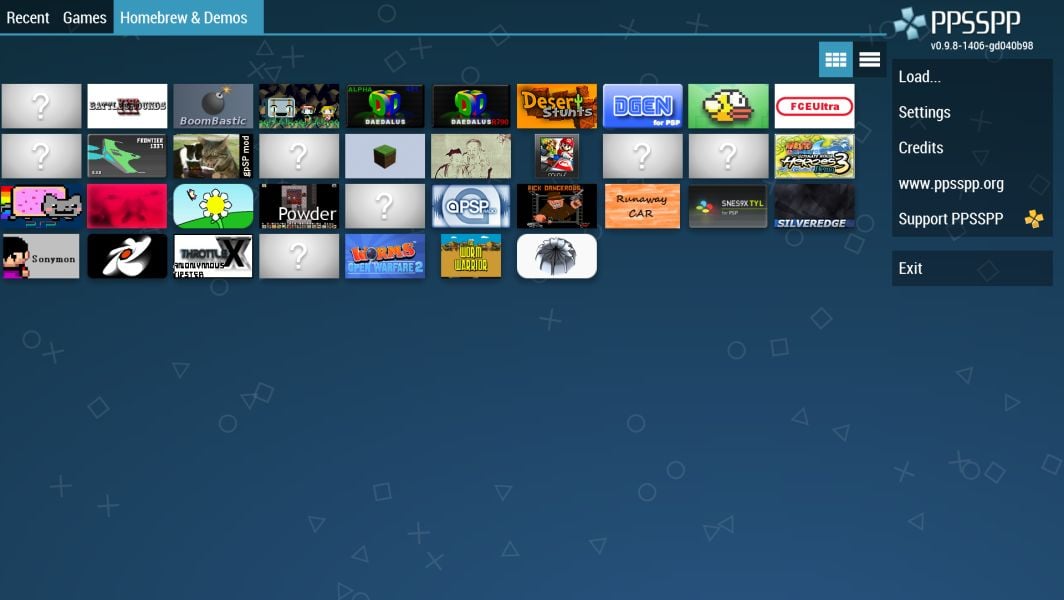
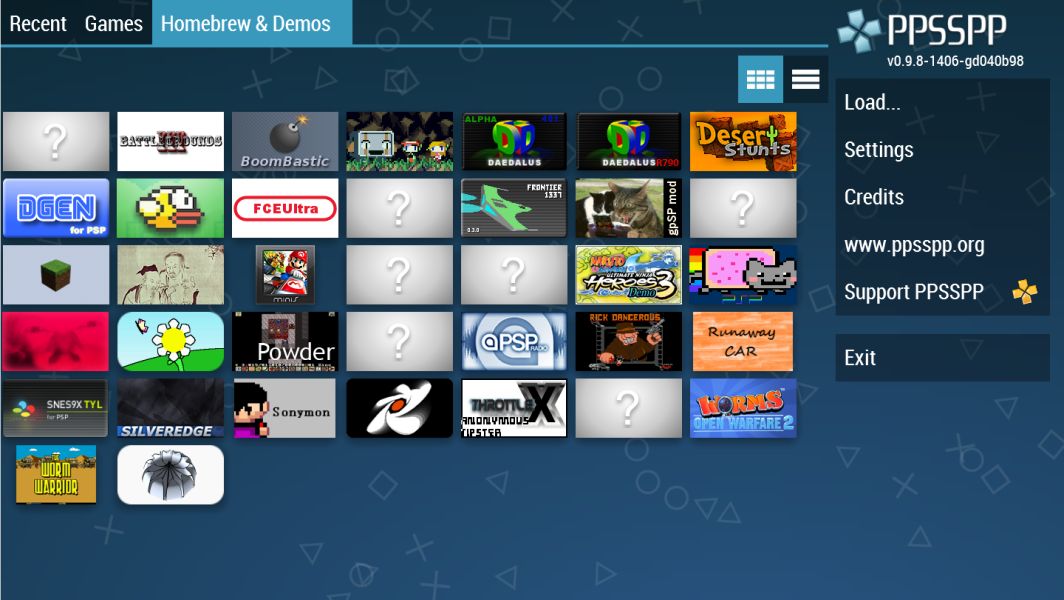
to the emulator's main menu and select "Games."
Browse your
device's storage to find the PSP game ISO file you want to
play.
Select the game to start playing. The emulator will
launch the game and apply the configured settings.
Using
Features:
Save State: Press the save state button (usually
F2 on PC) to save your progress at any point. Load your saved
state from the "States" menu.
Fast Forward: Toggle the
fast-forward feature (usually Tab key on PC) to speed up
gameplay during less engaging sections.
PPSSPP Gold offers
an incredible opportunity for gamers to revisit or experience
classic PSP titles with enhanced features and customizable
options. By following the simple steps outlined above, users can
set up and enjoy their favorite games seamlessly on a variety of
platforms, reliving the magic of the PSP era.
























Reviews
Evan
Although the free version has the same features as the paid version, I still bought the gold version to show my support for the creative team. I hope the archiving system can be improved, it's still a hassle to manually archive every time.
Brooklyn
Compatible with most iso, cso, operation is also very convenient, but there is a problem, because the R key and L key is also shown in the same plane, so some need to often use these two keys of the game will be very inconvenient, this is the biggest hard injury.
Aaron
Good experience, I love to play the game monster hunter execution efficiency is very high, the highest quality full frame, looking forward to the god of war to improve the efficiency of the most important reason to buy the gold version is that this software has Chinese, rushing this point on the must buy the gold version to support, I hope that the more you do better, five-star praise.